Abstract
When you’re managing a handful of certificates, one big list works fine. Add a few dozen more and things get messy. Add multiple teams or projects and you’ve got a problem.
Who should have access to the production certificates? What about staging? Does the contractor working on the marketing site really need to see your internal infrastructure?
CertKit now supports multiple applications from our roadmap to help you sort this out.
What are applications?
Applications are independent groups of certificates, domains, and hosts. Each application has its own storage bucket and access credentials. Think of them like security boundaries for your certificate infrastructure.
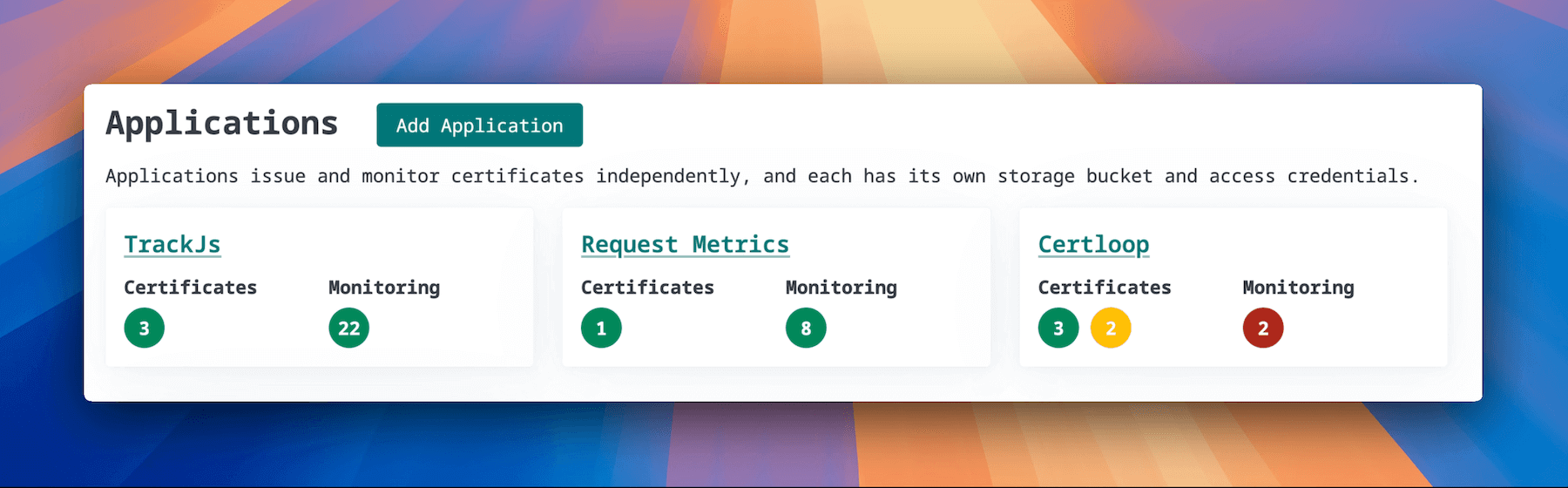
You might create separate applications for each product you run. Or split by environment (production, staging, development). Or by team. Whatever makes sense for how you actually work.
Scoped API keys
Access and API keys are managed at the application level.
Before, one API key meant access to everything in your account. Now you can generate keys scoped to specific applications. Your deployment scripts for the marketing site only touch marketing certificates. Your production automation only sees production infrastructure.
If a key gets compromised (or a contractor leaves), you revoke it without affecting everything else.
Available now
All CertKit users can create up to 6 applications today. If you need more, just ask and we’ll enable them for your account.
Head to your CertKit dashboard to start organizing your certificates.
CertKit automates certificate lifecycle management so you can focus on literally anything else.