Abstract
The CertKit Agent 1.6 is out. Three things in this release, all of them coming from the same underlying problem: the shorter certificate lifespans get, the more certificate deployment has to behave like real software deployments.
Microsoft RRAS
The CertKit Agent now supports Microsoft Routing and Remote Access Service (RRAS), which a lot of organizations use for point-to-point VPN.
RRAS is one of those things that’s been running quietly in the background for years, and nobody thinks about it until the certificate expires. At one-year validity that was annoying but manageable. At 47 days it becomes a recurring operations problem.
The wrinkle with RRAS is that it interrupts active connections when a certificate is updated. That’s fine when you’re renewing once a year. It’s a bigger deal when renewals are happening every six weeks.
Which brings us to the next feature.
Deploy windows
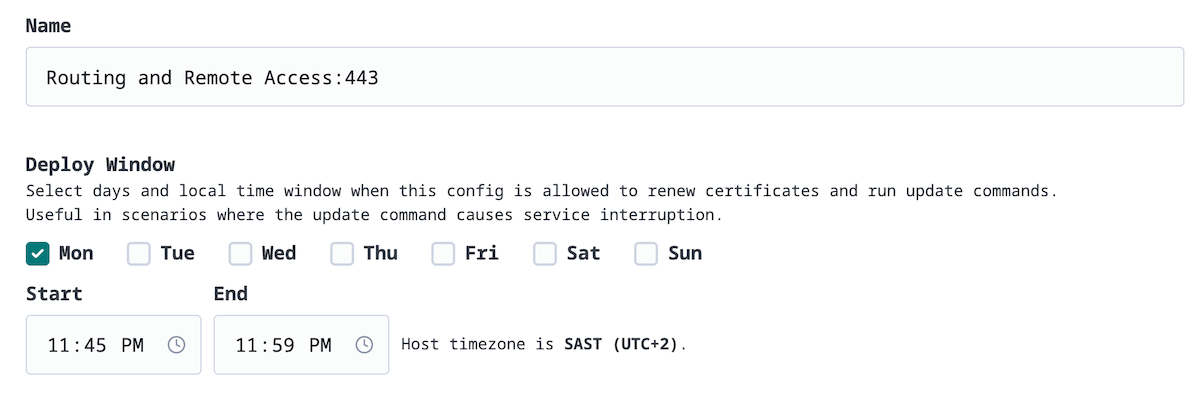
Deploy windows let you tell the agent when it’s allowed to renew certificates and run update commands on a given host. You pick the days and a time window. Renewals that happen outside that window will wait until the next allowed slot.
For RRAS and anything else that causes a service interruption during deployment, this means you can confine that disruption to a maintenance window. 2am Tuesday, Saturday morning, whatever fits your environment.
This works at the per-config level, so you can have different windows for different software, even on the same server.
Agent locking
This one is a security feature, and it’s worth explaining why we built it.
The CertKit Agent can run arbitrary commands on your servers. That’s the whole point. You configure a restart command, the agent runs it. It’s convenient, and it’s what makes automated deployment work.
But it also means that if CertKit were ever compromised, an attacker could modify that command through our UI and use the agent as a foothold into your infrastructure. We don’t plan on getting compromised, but “we haven’t been hacked yet” is not a security model.
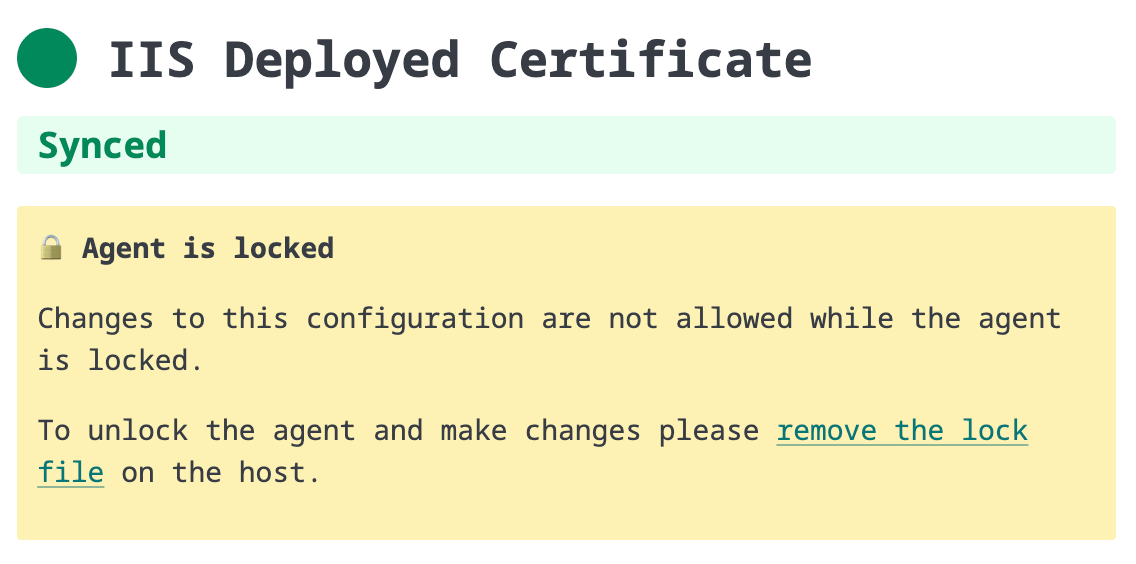
Agent locking addresses this. Once your agent is configured and working, you can lock it. A locked agent will continue to renew and deploy certificates, but its configuration cannot be changed from the CertKit UI. To make configuration changes, someone needs local admin access to the server to remove the lock file.
This means the blast radius of a CertKit compromise is limited to certificate delivery, not command execution. Your restart commands are frozen in place. We can push a new cert, but we can’t change what happens with it.
If you’re running the agent on production infrastructure, we recommend locking it once setup is complete.
CertKit automates certificate lifecycle management so you can stop thinking about SSL certificates.
Comments